


Why your AI isn’t showing up in the P&L
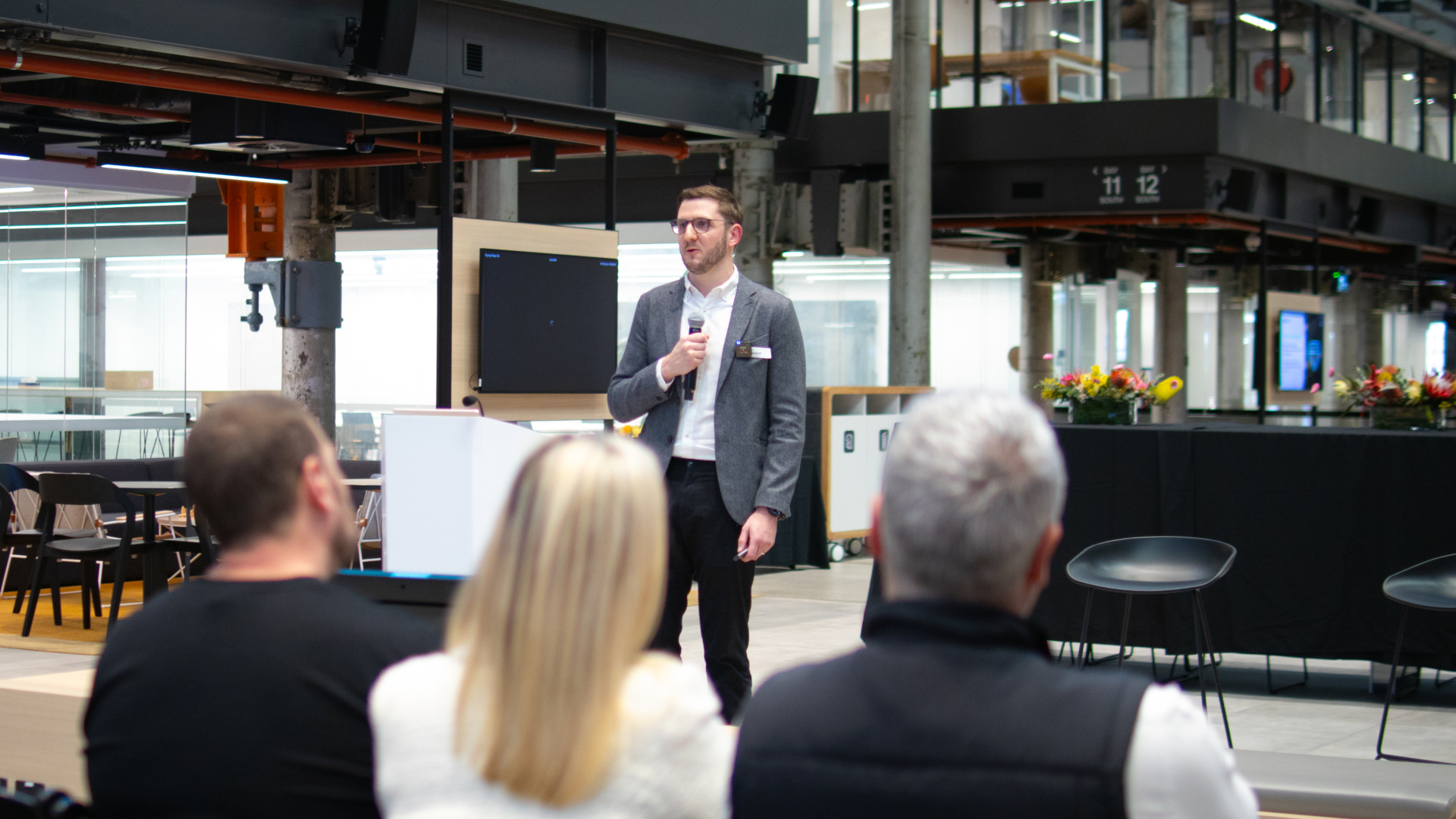
Most organisations have adopted AI, yet the impact still sits with individuals. Quantium’s Justin Gerhardt explains why only AI built into the work, rather than beside it, shows up in the P&L.
The gap in AI use between the leading firms and everyone else is widening. In January, the most advanced firms in OpenAI’s enterprise data were using AI 2.6 times as heavily per person as a typical firm. By June, it was 8.3 times. Their lead had more than tripled in five months. Most businesses are using more AI than they were a year ago.
By June, Codex, OpenAI’s coding agent, accounted for 64% of combined Codex and ChatGPT output tokens across enterprise customers, which tells me the growth is coming from AI taking on bigger, more valuable tasks. Picture what that means in FMCG, a competitor with an agentic capability lifting its on-shelf availability, or getting innovation to market several times faster than last year, is already ahead of you.
The most useful distinction I know is between AI that sits beside the work and AI that sits in the work. When I sit down with a commercial team, I want to know which conversation they are having. Are they talking about the things beside the work, meaning the capability, the tools, the governance and the roadmap? Or are they talking about AI in the work itself, meaning the analysis, the checks and the recommendations that get a team to an action faster? Both matter. Only the second one shows up in a P&L.
Impact builds in three steps: individual, team, organisation. Most organisations I meet have broad adoption across the business, but the impact is still individual. Plenty of people are using AI on their own work, and almost none of it is visible at a team or company level. Individual impact is one person saving an hour. Team impact is a workflow that runs the same way for everyone, so the whole team moves faster. At the organisational level, the business starts rethinking how it delivers its P&L. Putting AI in the work is how you move from one step to the next.
What redesigned work looks like
A marketing team we worked with was spending heavily on agency retainers. Updating an image for go-to-market collateral meant sending it out and waiting around 18 hours for a version to check. We built them an agentic workbench that handled those jobs in one place, covering image updates to brand standard, media communications, brochures and the content work that carries a lot of back and forth. Jobs that took 18 hours now take minutes. The business has more than 400 active users, is banking over $6 million a year in retainer savings, and expects to reduce external spend by up to 75% as the pattern extends.
A global recruitment firm with 14,000 consultants had a version of a similar problem, with consultants buried in admin. Screening candidates, capturing notes and moving records through a CRM consumed a large share of every consultant’s day. We put two agents into the core workflow. The first handles the meeting work, connecting the systems and automating the steps between them. That saves around 20 minutes per call, or roughly 3.5 hours per consultant per week. About 62% of eligible meetings now run through it, and 86% of those land in the CRM without anyone retyping notes. The second watches for market signals that a strong candidate may be open to a move, and that process is now around 93% shorter than it was, with about 95% of desks running it on a recurring schedule. Around 1,000 users are live today, on the way to all 14,000.
FMCG businesses with large field sales teams, or distribution centre workforces that scale up and down with the seasons, face the same pressure on screening and hiring. Every role that is filled late shows up as missed store calls, slower replenishment or extra overtime.
If you’re thinking about where to start
Name one task your team does repeatedly that carries real commercial weight and currently sits waiting in a queue. Pick the one that quietly costs you the most in margin, trade spend or lost sales. It’s rarely the one that looks best in a presentation. Then ask two questions. What would this look like if the answer arrived during the meeting instead of 10 days after it? And what would that answer, and the capacity it frees up, be worth to the P&L?
Be honest about that second answer. It’s what turns a productivity anecdote into a commercial outcome. The best use cases I’ve seen pay for the next one. That’s how an AI strategy finally shows up in the numbers.
Justin Gerhardt is Executive – Strategy, Growth and Innovation at Quantium and leads AI projects across the global retail and consumer business. Book a demo with the Quantium team to talk through where the queue is costing your team the most.
About the AI Advantage in FMCG
Quantium’s AI Advantage in FMCG brought 128 senior leaders from 78 companies together over two evenings in Sydney and Melbourne to work through one question: how to move AI from the roadmap to the P&L. This article is part of a series from those sessions.
You can also read the key takeaways from the event, including how Bega Group’s Richard Hechter worked through a $10 million range question with his buyer, live, how Jack Archer, Head of Grocery Sales at Unilever, and his team started making commercial calls in the room, and how Google’s Andrew Spaulding on why the last 20 percent of an AI project is an organisational problem.